Property management companies face a tracking nightmare most businesses never deal with. Your maintenance technician starts their day at Building A, spends two hours on an HVAC repair at Building C, responds to an emergency leak at Building F, then finishes with routine work at Building D. By the end of the week, they’ve touched 15 different properties. Now you need to bill those hours correctly, allocate labor costs to the right buildings, and calculate their pay based on work that sometimes falls under on-call rates.
Paper timesheets can’t handle this complexity. Even basic digital time clocks fall apart when employees work at multiple locations every day. You end up with guesswork, billing errors, and frustrated property owners who want to know exactly what they’re paying for.
Time and attendance systems built for property management solve this problem. These systems track not just when employees work but where they work and what they’re working on. The result is accurate labor allocation, proper billing, and payroll that follows different rules for different types of work.
What is Time and Attendance Software for Property Management?
Time and attendance software for property management tracks employee hours while capturing the specific details your business needs. That means recording which property or building an employee worked at, what type of work they performed, and whether those hours fall under regular time, overtime, or on-call rates.
The software handles the complexity that comes with managing multiple properties. When your groundskeeper works at three different complexes in one day, the system tracks each location separately. When your maintenance supervisor responds to an after-hours emergency, the software applies the correct on-call pay rules automatically.
This level of detail matters because property management billing depends on accurate labor allocation. Owners need to see exactly how much time and money went into maintaining their specific properties. Your accounting team needs clean data to invoice correctly. And your payroll team needs to apply different pay rates based on the type of work performed.
Employee time tracking software that works for property management gives you three things: accurate location data, flexible cost allocation, and pay rules that adjust based on work type.
Managing Different Employee Types Across Multiple Properties
Property management companies don’t have one type of employee. They have maintenance technicians, leasing agents, groundskeeping crews, administrative staff, and property managers. Each role works differently and needs different tracking.
Maintenance technicians move between properties constantly. They might handle routine repairs at one building, emergency calls at another, and preventive maintenance at a third. Their time needs to track to specific properties for billing purposes.
Leasing staff typically work at one property but might cover multiple locations when someone’s out. Their hours need to reflect which property they worked at on any given day.
Groundskeeping crews often follow a circuit, visiting the same properties on specific days. They need to track their time to each location even when they’re visiting five properties in one shift.
Administrative staff might split their time between office work and on-site property visits. Their tracking needs to distinguish between general administrative hours and time spent at specific properties.
Property managers oversee multiple buildings and need to allocate their time across those properties for accurate cost distribution. Some of their hours are general management while others tie to specific locations.
A cloud-based time tracking system handles these differences through profiles. You create different timesheet designs for different roles. Maintenance staff see job codes and property lists. Leasing agents see simpler options focused on location. Administrative staff can choose between general time and property-specific time.
When Ecotime sets up your system during a demo, we’ll ask what makes each employee group different. Do maintenance crews need to track time to specific work orders? Do leasing agents work a standard schedule at one location or rotate between properties? Does groundskeeping need to split a single shift across multiple properties? The timesheet design changes based on these needs.
Tracking Time to Specific Properties and Buildings
Accurate billing depends on knowing exactly where your employees worked and for how long. When you bill property owners, they expect line items that show labor costs for their specific buildings. Generic time entries don’t cut it.
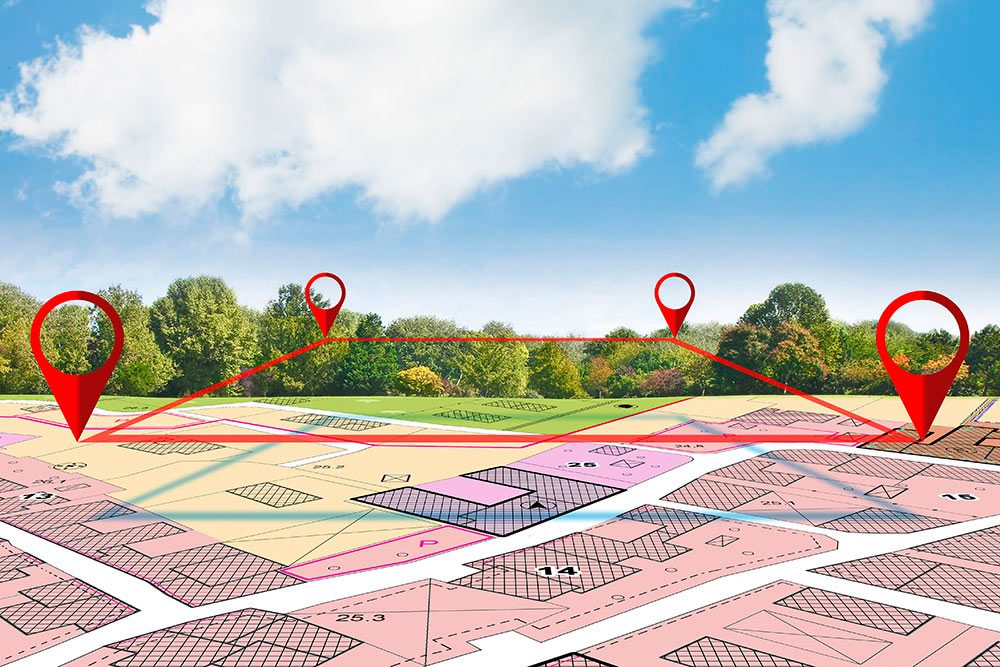
Ecotime solves this through job codes and cost allocation. You set up job codes that represent your properties, buildings, or even specific units. When employees clock in, they select which property they’re working at. When they move to a different location, they switch their job code. The system tracks every minute to the correct location.
This approach works for both simple and complex structures. If you manage 10 properties and just need property-level tracking, you create 10 job codes. If you manage a large complex with multiple buildings and need building-level detail, you create job codes for each building. If you need even more detail for work orders or specific maintenance tasks, you add another layer.
The flexibility matters because property management portfolios vary widely. Some companies manage a handful of large apartment complexes. Others handle dozens of smaller properties scattered across a region. The tracking system needs to scale with your portfolio.
During the setup process, we’ll ask what level of detail you need. Do you bill by property or by building? Do you need to track time to specific work orders or maintenance categories? Do different property owners require different levels of detail in their invoices? The system adjusts based on your answers.
For maintenance crews working at multiple properties daily, this tracking becomes automatic. They clock in at the shop, select the first property they’re heading to, then update their job code when they move to the next location. The system captures everything without requiring them to fill out detailed timesheets later.
Mobile Time Tracking with Geofencing Verification
Property management teams work in the field, not at desks. Your employees need to clock in from wherever they’re working, and you need confidence that they’re actually at the locations they claim to be at.
Mobile time and attendance apps let employees clock in from their phones. They can punch in when they arrive at a property, punch out when they leave, and switch between job codes as they move from one location to another. This eliminates the need to remember details at the end of the day or fill out paper timesheets later.
The mobile app does more than just record time. It captures GPS coordinates when employees clock in and out. If you turn on geofencing, you can set boundaries around each property. The system verifies that employees are actually at the property when they clock in. This prevents early clock-ins from home or clock-ins at the wrong location.
Geofencing gives property managers visibility into field operations. You can see which technicians are currently at which properties, when they arrived, and how long they’ve been there. If a property owner calls asking about the status of a repair, you can check the system and see that your maintenance tech has been on-site for the past hour.
The mobile app also handles emergency situations smoothly. When a maintenance technician gets an after-hours call about a burst pipe, they can clock in directly from their phone, select the emergency job code, and start work. The system applies the correct on-call pay rates automatically based on the job code they selected.
For companies that want to use mobile tracking, we’ll ask during the demo setup if you need geofencing enabled. Some companies want tight verification with geofence boundaries around every property. Others prefer basic GPS logging without strict boundaries. The system adapts to your preference.
Handling Emergency Calls and After-Hours Response
Property emergencies don’t follow business hours. Burst pipes, heating failures, and security issues happen at 2 a.m. Your maintenance staff needs to respond, and their pay for emergency work typically follows different rules than regular time.
Tracking these emergency hours accurately requires two things: clear identification of after-hours work and automatic application of the right pay rates. Ecotime handles both through job codes and pay rules.
You set up specific job codes for emergency or on-call work. When an employee responds to an after-hours call, they clock in using the emergency job code. The system sees that code and knows to apply on-call rates instead of regular rates. This happens automatically without requiring supervisors to manually adjust timesheets later.
On-call time gets more complicated when you have different rules for different situations. Maybe you pay a flat hourly rate for being on call but switch to time-and-a-half when someone actually gets called out. Maybe you have a minimum call-out time of two hours even if the work takes 30 minutes. Maybe different properties have different on-call agreements with different rates.
Ecotime’s profile-based pay rules handle these variations. You create pay rule profiles that define how different types of time get calculated. One profile handles standard on-call response. Another handles premium emergency rates for specific high-value properties. A third handles minimum call-out times. Then you assign those profiles to the appropriate employees and job codes.
When the system calculates payroll, it looks at which job code the employee used, which pay rule profile applies to that employee and job code combination, and applies the correct calculation. All of this happens automatically.
During setup, we’ll ask about your on-call and emergency procedures. Do you have employees who rotate on-call duty? Do you pay on-call rates for being available or only when they actually respond? Do you have minimum call-out times? Do different properties require different response procedures? The pay rules get configured based on your specific policies.
Managing Pay Rules for Different Work Types
Property management pay structures get complicated fast. Regular hours, overtime, double time, on-call pay, holiday pay, shift differentials for overnight maintenance, and travel time between properties all follow different rules. And those rules might vary based on which property an employee is working at or which owner you’re billing.
Ecotime handles this through a three-step process: create pay rule libraries, organize them into profiles, then assign those profiles to employee groups. This approach gives you maximum flexibility without requiring custom programming.
Start by creating pay rules for each type of compensation. Define your overtime rule: time and a half after 8 hours daily or after 40 hours weekly. Create your on-call rule: flat hourly rate while waiting, time and a half when called out, two-hour minimum. Set up your holiday rules, shift differentials, and any other special pay types your company uses.
Then organize these rules into profiles based on your business policies. Maybe you have a standard maintenance profile that includes overtime after 40 hours, on-call rates for emergency response, and holiday pay for seven holidays per year. You have a different profile for groundskeeping staff with straight overtime after 40 hours and no on-call requirements. And you have a premium profile for properties with special contract terms.
Finally, assign these profiles to employee groups. Your maintenance team gets the standard maintenance profile. Groundskeeping gets their profile. Employees who work at properties with premium contracts get assigned to those profiles.
When payroll runs, the system looks at each punch, checks which profile applies to that employee and job code, and calculates pay accordingly. If a maintenance tech works regular hours at one property and emergency hours at another, the system applies different rates to each portion automatically.
This profile-based approach works for companies of any size. Small companies might have two or three profiles covering their entire workforce. Large companies managing diverse portfolios might have 20 profiles handling different property contracts, union agreements, and employee classifications.
During the demo, we’ll ask about your overtime policies, on-call procedures, holiday pay rules, and any special pay types specific to your business. Do you have employees covered by union contracts? Do different properties have different billing rates that affect employee pay? Do you pay travel time between properties at a different rate than work time? The system gets configured to match your policies.
Why Property Management Companies Choose Ecotime
Managing time and attendance for a property management workforce requires software that handles mobility, multiple work locations, and complex pay rules. Basic time clocks can’t track which property someone worked at. Simple apps don’t handle on-call pay correctly. Spreadsheets fall apart when employees work at five locations in one day.
Ecotime delivers the flexibility property management companies need. Mobile apps with GPS verification let employees clock in from any property. Job code tracking allocates time to specific buildings for accurate billing. Profile-based pay rules automatically calculate different rates for regular work, on-call time, and emergency response.
The system scales with your portfolio. Whether you manage 5 properties or 500, whether your team is 10 people or 1,000, Ecotime adapts to your structure. And because the system is cloud-based, your office staff, property managers, and field employees all access the same current information.
Property management companies also value Ecotime’s reporting flexibility. Generate labor cost reports by property for billing purposes. Create employee activity reports showing which technicians worked where and when. Export payroll data that integrates with your accounting software. The reports adapt to match how your business operates.
With 24/7 support from a U.S.-based team, help is available when you need it. Whether you’re troubleshooting a mobile app issue at a property or adjusting pay rules for a new contract, support responds quickly.
Making Time Tracking Work for Your Properties
Property management time tracking needs to match how your business actually operates. Your employees work at multiple locations. Your billing requires detailed labor allocation. Your payroll follows different rules for different work types. Generic time tracking software can’t handle these requirements.
Ecotime solves the challenges specific to property management. Mobile apps with geofencing verify that employees are at the right properties. Job code tracking allocates every minute to the correct building for accurate billing. Profile-based pay rules automatically calculate regular time, overtime, and on-call rates based on the work being performed.
The result is cleaner payroll, more accurate billing, and better visibility into your field operations. You know which employees are at which properties, how much time and money each building requires, and whether your labor costs match your budgets.
Ready to see how Ecotime handles property management time tracking?
Request a Demo of Property Management Time & Attendance Software